KEY TAKEAWAYS
- Custom LUHN() gives instant format checks in any sheet.
- Apps Script can call the API for live status at small scale.
- Store keys in Script Properties, never in code.
- Use scripts for tens of thousands of rows.
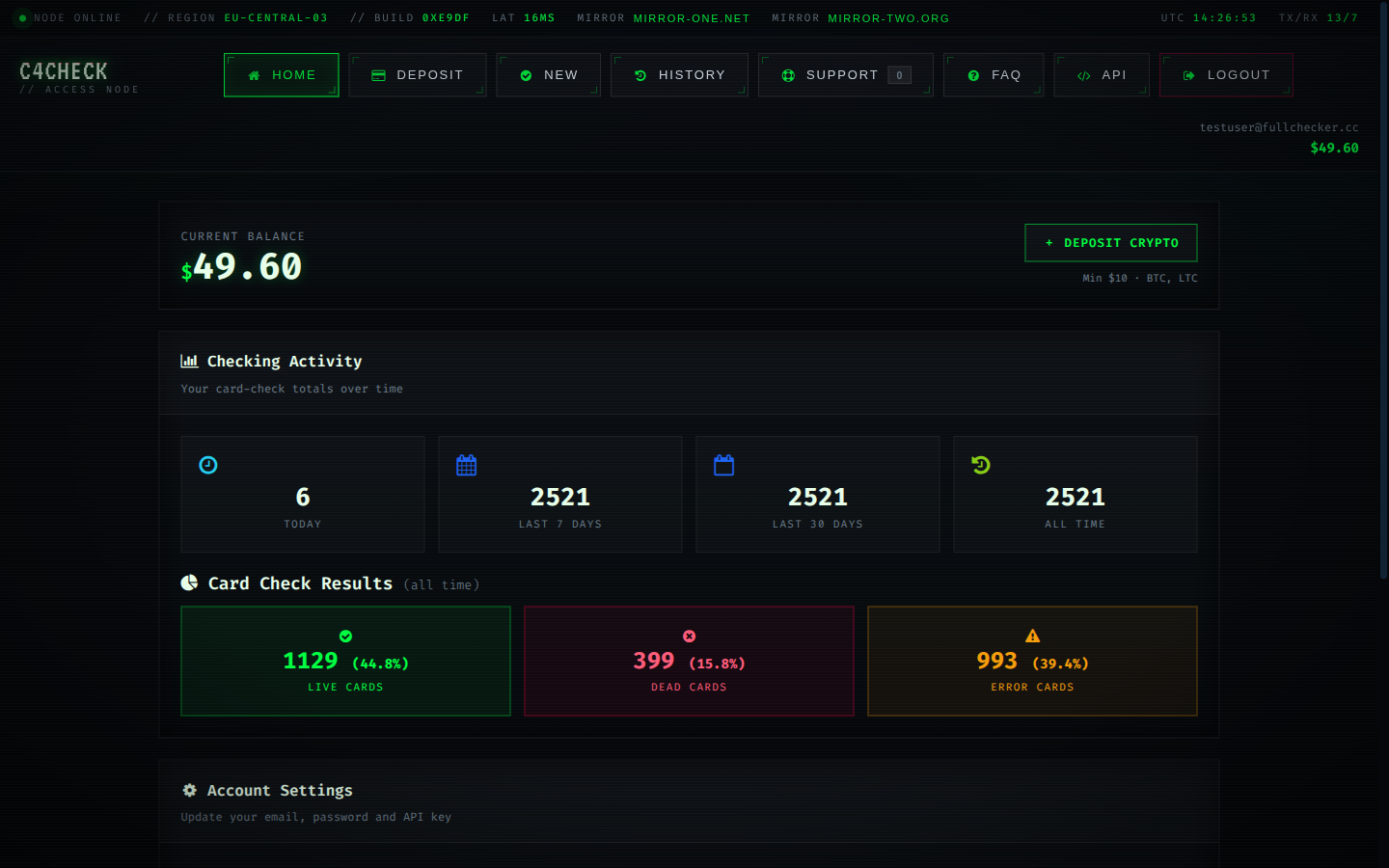
- Watch classified rate and latency trends, not just the balance.
- AVS adds a second dimension where the route supports it.
Ops teams often keep card lists in Sheets. Two building blocks cover most needs: a custom function for instant format checks and Apps Script for live API checks.
Luhn as a custom function
Extensions → Apps Script → paste, then use =LUHN(A2) in any cell:
function LUHN(value) {
  const d = String(value).replace(/\D/g, '');
  if (d.length < 12 || d.length > 19) return false;
  let sum = 0, alt = false;
  for (let i = d.length - 1; i >= 0; i--) {
    let n = Number(d[i]);
    if (alt) { n *= 2; if (n > 9) n -= 9; }
    sum += n; alt = !alt;
  }
  return sum % 10 === 0;
}
Live checks from a menu
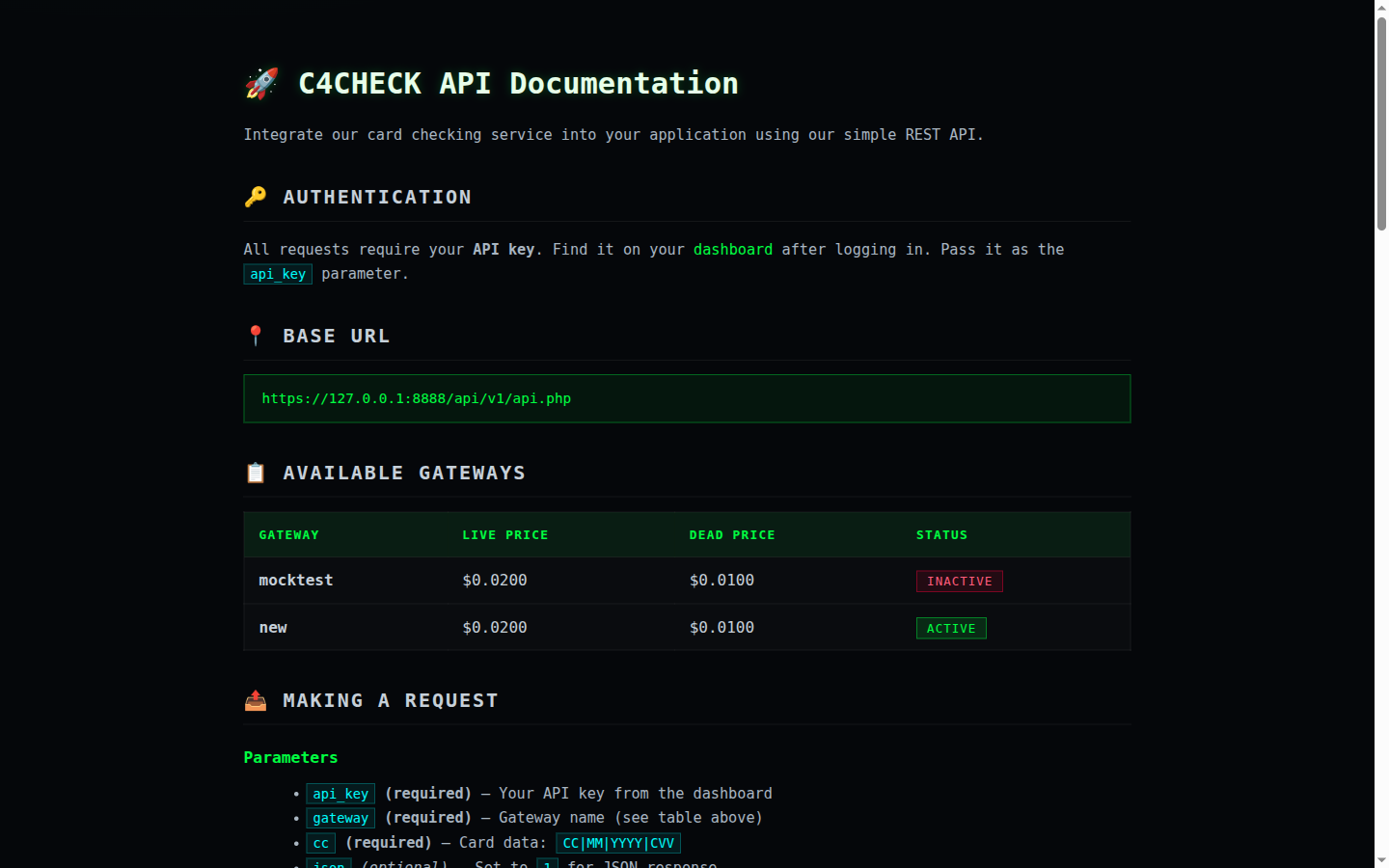
const API = 'https://c4check.com/api/v1/api.php';

function CHECK_CARDS() {
  const sheet = SpreadsheetApp.getActiveSheet();
  const range = sheet.getRange(2, 1, sheet.getLastRow() - 1, 1);
  const cards = range.getValues();
  const out = [];
  cards.forEach(([card]) => {
    if (!card) { out.push(['']); return; }         // keep rows aligned
    const url = `${API}?gateway=new&cc=${encodeURIComponent(card)}&json=1`;
    const res = UrlFetchApp.fetch(url, {
      headers: { 'X-API-Key': PropertiesService.getScriptProperties().getProperty('API_KEY') },
      muteHttpExceptions: true,
    });
    try {
      out.push([JSON.parse(res.getContentText()).result || 'ERROR']);
    } catch (e) { out.push(['ERROR']); }
    Utilities.sleep(200); // pace requests
  });
  sheet.getRange(2, 2, out.length, 1).setValues(out);
}
Store the API key in Script Properties (Project Settings → Script Properties), not in the code. Pace with Utilities.sleep; Apps Script quotas make it suitable for hundreds of rows, not tens of thousands — for volume use the bulk script.
Spreadsheet workflows can cover the free validation layers entirely: checksum, length, prefix and expiry all fit into formulas, which means a sheet full of card numbers can be cleaned before anything paid happens. The platform's Luhn and BIN tools complement the sheet when you need reference data.
For live checks, the API can be called from Apps Script, but the practical pattern is to validate in Sheets, export the clean list, and run it through the web checker or a script. That keeps API keys out of spreadsheet documents.
A concrete spreadsheet validation example
=MOD(SUMPRODUCT(--MID(A2,LEN(A2)-ROW(INDIRECT("1:"&LEN(A2)))+1,1),
  2^MOD(ROW(INDIRECT("1:"&LEN(A2))),2)*2-1),10)=0
// true = Luhn-valid (check digit passes)
Regenerating the key takes one click on the dashboard and invalidates the old one immediately. Add a circuit breaker: when the error rate crosses a threshold, pause the run and move the remainder to the fallback route. Every response returns the current balance and the amount charged, so spend can be tracked without a second call. The habit costs nothing and removes a recurring class of mistakes.
Spreadsheet validation via the REST API
Keep the integration boring: one endpoint, one key, explicit handling for the four result classes. Log request identifiers and outcomes, never full card numbers or the API key itself. Reconcile timeout outcomes before assuming failure — the answer may exist even when the response did not arrive. Authenticate with the API key in a request header; a key in a URL or in client-side code is a leak waiting to happen. The habit costs nothing and removes a recurring class of mistakes.
Keeping spreadsheet validation secure
Encrypted transport and account-scoped access are defaults; nothing about the integration requires changing them. API keys are server-side secrets: they belong in environment configuration, never in URLs, logs or client bundles. The dashboard shows the key once and lets you rotate it at will; rotation is cheap, leaks are not. Log identifiers and outcomes, not card numbers. Debugging almost never requires a PAN. It sounds obvious until a real run tests it.
Reading spreadsheet validation results honestly
- Unknown results in spreadsheet validation get one fallback pass on a second route, then a defined resting state.
- In spreadsheet validation, live results route forward: billing, approval or completion, depending on the workflow.
- Errors in spreadsheet validation return to the queue after the cause is fixed, because they produced no answer at all.
- Dead results in spreadsheet validation route to recovery: dunning, an update-payment prompt or list cleanup.
Two metrics describe any run: how many cards classify, and how long the pass takes. Everything else is commentary. A live answer is evidence about the account, not a guarantee about a specific future transaction; issuer rules can change between the check and the charge. The four result classes are a decision matrix, not a score: live proceeds, dead recovers, unknown gets one careful retry, error returns to the queue. It is a small rule that changes how spreadsheet validation behaves at scale.
A working routine for spreadsheet validation
Size batches to the provider ceiling. Past that line, extra concurrency converts into timeouts rather than throughput. Run one primary gateway with a fallback route. When the primary degrades, re-run only the unclassified remainder on the fallback. Deduplicate before submitting: the same card in a list twice is billed twice if both copies classify. When results look wrong, diagnose in order: input format, route, provider health, and only then the cards themselves. It is a small rule that changes how spreadsheet validation behaves at scale.
What spreadsheet validation cannot promise
When a proposed use cannot be explained to a compliance reviewer in one sentence, it is probably not a fit. Operators remain responsible for the legal basis on which they hold and process card data. A check does not move money, does not create a charge and does not touch the cardholder's credit file. That single habit separates routine spreadsheet validation from expensive spreadsheet validation.
Operating spreadsheet validation at scale
Reconcile spend monthly against classified results; the difference between the two numbers is where retries hide. Keep the API key server-side and regenerable; a leaked key is a billing incident as much as a security one. Treat provider outages as routing problems: switch routes, recover the unclassified remainder, keep the answers you already paid for. Track cost per classified card rather than cost per request; it is the only metric that reflects retries and unknown rates. Keep it in mind whenever spreadsheet validation results are reviewed.
Interpreting outcomes in spreadsheet validation
Dead results are conclusive for the moment and should never be re-checked in the same run; retries on dead cards spend balance for identical answers. Classified rate is the share of cards that produce a definitive answer; it is the first number to compare when switching gateways. When a result contradicts other evidence, re-check once after a reasonable interval rather than assuming the checker is wrong. Errors are free by design: no classification means no charge, so retrying after fixing the cause costs nothing but effort. In spreadsheet validation work, that is the difference between a signal and a guess.
What aggregate data says about spreadsheet validation
Aggregate numbers describe populations, not individual cards. Use them to size timeouts and retry budgets, never to judge one account. When the classified rate moves, the cause is usually a route or provider change rather than the underlying cards. The reference BIN table covers hundreds of thousands of issuer ranges, and it is deliberately separate from account-status data: one describes issuers, the other describes cards. Latency percentiles matter more than averages: the p90 and p99 tell you what a slow run actually feels like. That distinction is what keeps spreadsheet validation decisions clean.