KEY TAKEAWAYS
- Cleaning removes duplicates and impossible rows before they cost checks.
- Luhn + month + CVV validation catches most bad input.
- 10–30% of raw lists is typically noise.
- The cleaner runs fully client-side.
- Every the CSV cleaner result class should map to a defined workflow action.
- A 50-card pilot removes most the CSV cleaner surprises for cents.
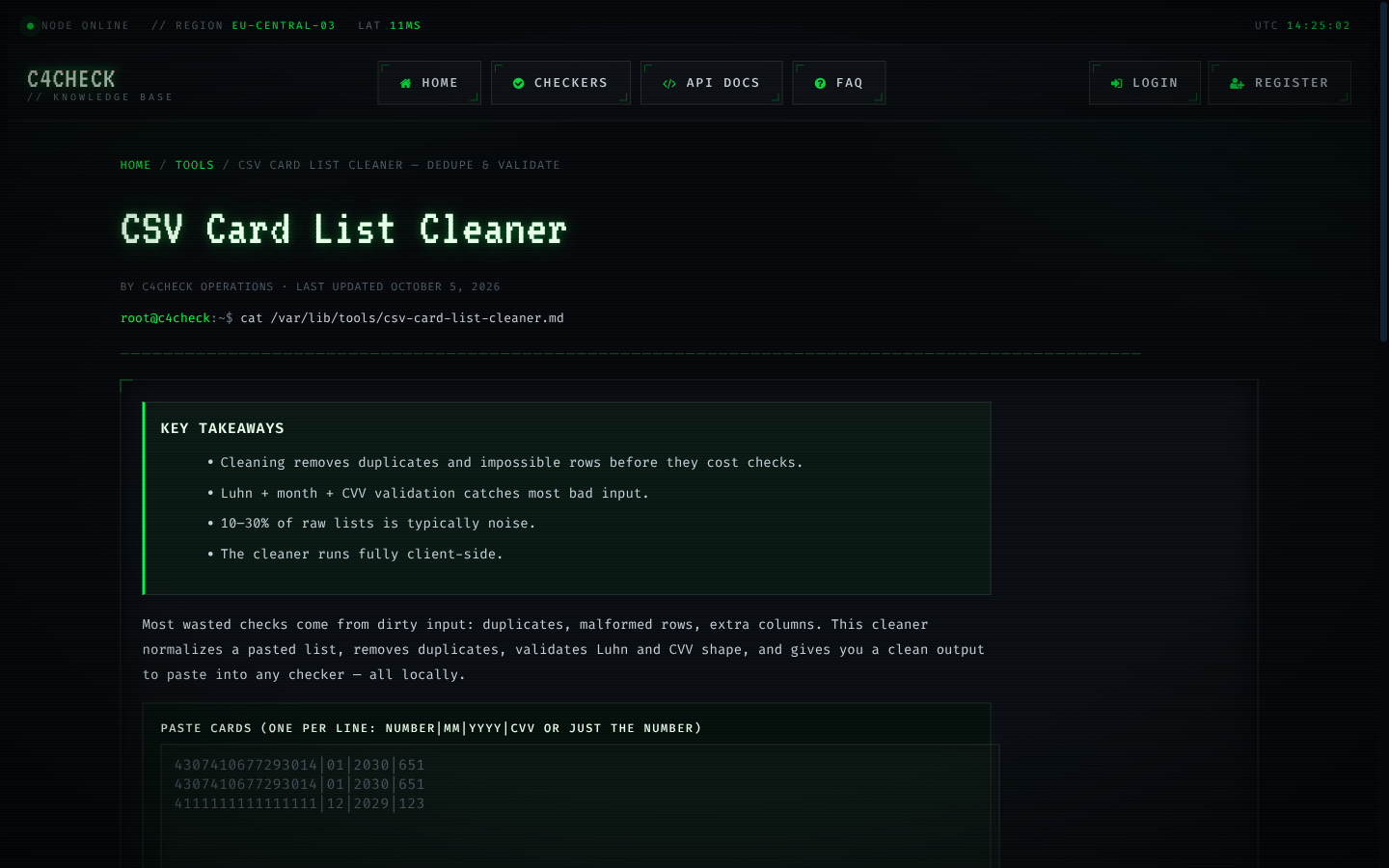
Most wasted checks come from dirty input: duplicates, malformed rows, extra columns. This cleaner normalizes a pasted list, removes duplicates, validates Luhn and CVV shape, and gives you a clean output to paste into any checker — all locally.
What the cleaner does
- Normalize: strips spaces/dashes, uppercases fields.
- Deduplicate: removes repeated card numbers.
- Validate: Luhn checksum, month 01–12, year sane, CVV 3–4 digits.
- Separate: valid rows vs flagged rows with reasons.
Why clean before you check
A duplicate row is duplicate spend; an invalid row can never classify. Cleaning typically removes 10–30% of a raw list. Read the full workflow in bulk card checking and the cost math in cost per classified card.
Privacy
The list never leaves your browser. After cleaning, run the output through a checker when you are ready to verify against issuers.
The CSV cleaner handles the unglamorous work that protects large runs: normalising separators, trimming whitespace, removing duplicate rows and rejecting structurally impossible lines. Dirty input is the leading cause of provider errors that look like card problems, and cleaning it costs nothing.
Like every tool here, it runs entirely client-side — which matters when the list is sensitive: the data never leaves the page.
Key points about the CSV cleaner
- Separator normalisation and whitespace trimming
- Duplicate removal before billing
- Output ready for the checker format
- Fully client-side processing
A practical path through the CSV cleaner
- Paste the raw list.
- Review the cleaned rows and counts.
- Export and feed the checker.
How the CSV cleaner actually works
The platform keeps one history row per request with status, cost and before/after balance, which makes the whole loop auditable at the individual check level. Dead means the account is closed, blocked or invalid. It is a final answer for the current state of the card and should never be retried blindly. Error means the check itself failed technically: a timeout, a provider fault or malformed input. No classification was produced, and no charge applies. The four outcomes are categorical rather than numeric because decisions are categorical too: proceed, recover, retry or log. Keep it in mind whenever the CSV cleaner results are reviewed.
Live means the issuer answered and the account is active and chargeable at that moment; it is strong evidence, not a promise about a future charge. Dead means the account is closed, blocked or invalid. It is a final answer for the current state of the card and should never be retried blindly. Rate limits, formats and latency all come from the provider side, which is why per-gateway configuration exists instead of one global setting. That distinction is what keeps the CSV cleaner decisions clean.
Running the CSV cleaner well: the operating steps
Keep a small balance buffer so an interrupted run never leaves a half-classified list and the temptation to re-check everything. Treat every large list as two lists: the part that classifies on the first pass, and the remainder that needs a decision about how hard to chase. Validate checksums and expiry dates before any paid request; the free browser tools exist precisely so malformed rows never reach a provider. Deduplicate before submitting: the same card in a list twice is billed twice if both copies classify. Remember it the next time the CSV cleaner produces an ambiguous answer.
Free tools that support the CSV cleaner
The Luhn validator and expiry checker catch format problems before any paid request leaves the browser. Every browser tool runs client-side: input never leaves the page, which keeps format validation free and private. The check-digit calculator shows the Luhn math step by step, useful when building or debugging number generation. Remember it the next time the CSV cleaner produces an ambiguous answer.
- expiry checker
- IIN lookup
- how checking works
- Bulk Card Checking Guide
- Luhn Validator
- Card Number Generator
Limits and responsible use of the CSV cleaner
Results describe the account, never the person; they should inform routing and risk decisions, not identity decisions. Operators remain responsible for the legal basis on which they hold and process card data. Where a check is used inside a payment flow, it complements authorization rather than replacing it. Remember it the next time the CSV cleaner produces an ambiguous answer.
Benchmarks and distribution for the CSV cleaner
The reference BIN table covers hundreds of thousands of issuer ranges, and it is deliberately separate from account-status data: one describes issuers, the other describes cards. Latency percentiles matter more than averages: the p90 and p99 tell you what a slow run actually feels like. Aggregate numbers describe populations, not individual cards. Use them to size timeouts and retry budgets, never to judge one account. When the classified rate moves, the cause is usually a route or provider change rather than the underlying cards. In the CSV cleaner work, that is the difference between a signal and a guess.
Running the CSV cleaner as a process
Alert on classified-rate drops, not just on errors; silent degradation is the expensive kind. Keep the API key server-side and regenerable; a leaked key is a billing incident as much as a security one. Reconcile spend monthly against classified results; the difference between the two numbers is where retries hide. Track cost per classified card rather than cost per request; it is the only metric that reflects retries and unknown rates. Keep it in mind whenever the CSV cleaner results are reviewed.
Failure modes to design out of the CSV cleaner
Storing card data beyond the needs of the CSV cleaner creates risk without adding value. Ignoring the p90 latency of the CSV cleaner leads to timeouts that look like provider faults. Comparing the CSV cleaner routes on list price instead of classified rate hides the real economics.
- Treating an error as a dead card in the CSV cleaner throws away cards that were never classified, and errors are the cheapest outcomes to recover.
- Re-checking live cards during the CSV cleaner spends balance without changing any decision.
- Chasing every unknown in the CSV cleaner with unlimited retries costs more than classifying the rest of the list.
- Increasing parallelism past the provider ceiling in the CSV cleaner converts capacity into timeouts.
Limits and responsible use of the CSV cleaner
Operators remain responsible for the legal basis on which they hold and process card data. The platform does not trade card data, and nothing in the system is designed to bypass a cardholder's consent. Where a check is used inside a payment flow, it complements authorization rather than replacing it. That distinction is what keeps the CSV cleaner decisions clean.
From the CSV cleaner result to decision
Classified rate is the share of cards that produce a definitive answer; it is the first number to compare when switching gateways. Two metrics describe any run: how many cards classify, and how long the pass takes. Everything else is commentary. When a result contradicts other evidence, re-check once after a reasonable interval rather than assuming the checker is wrong. Conflating outcomes is the most expensive habit in this area — an error treated as a dead card discards real inventory, and an unknown treated as live inflates confidence. Remember it the next time the CSV cleaner produces an ambiguous answer.
The CSV cleaner in numbers
Sample sizes matter. Small windows produce noisy percentages, which is why published aggregates carry minimum thresholds. Cost per classified card is the honest metric. A cheap-per-request route with a high failure rate is the most expensive option in practice. Trends beat snapshots: a classified rate that drifts over weeks says more than any single run's result. The platform publishes outcome distributions and latency percentiles from real traffic, refreshed monthly, precisely so expectations can be calibrated against reality. That distinction is what keeps the CSV cleaner decisions clean.
Operating the CSV cleaner at scale
Budget verification against the cost of failure, not against zero; the comparison is what makes spend defensible. Schedule recurring checks ahead of the decisions they inform, not after them. Alert on classified-rate drops, not just on errors; silent degradation is the expensive kind. Keep one primary gateway and one fallback, and switch on evidence — error spikes and classified-rate drops — rather than on price alone. Remember it the next time the CSV cleaner produces an ambiguous answer.